
How to Increase The Traffic For YouTube Channels | June 2022 Update
Table of Contents
How to Increase The Traffic For YouTube Channels June 2022. It’s pretty easy for your video to get lost in the vast YouTube galaxy, but luckily there are some pretty easy and effective ways to generate unique organic traffic for your videos.
Choose Carefully Your Thumbnail

thumbnail/milaohaath
The thumbnails you choose for each video are more important than you think. It’s the most important thing people will see when they search for your videos, so it should have a worth-clicking value.
In other words, make it attractive. YouTube automatically gives you three thumbnail options to choose from when you upload a video, but if you feel you need something more engaging, customize it and upload your own. It goes far.
Analyze the video Title And Description
Analyze the video Title And Description/milaohaath
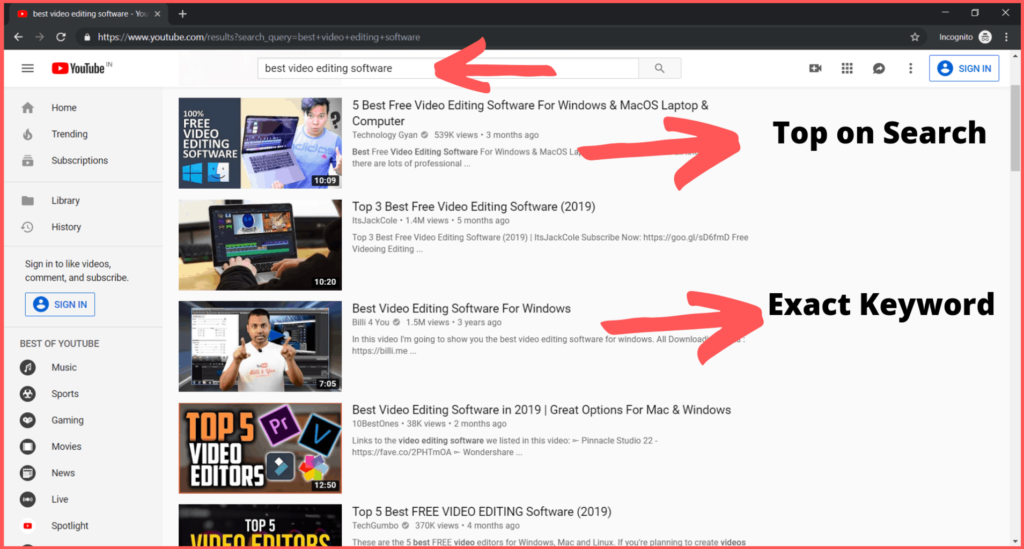
Your title is clearly important to engage viewers, but it can also improve your search results and should definitely drive more traffic to your channel. The first term must be relevant, as a keyword and you need to follow what is presented in the video to create a keyword phrase. While your title should be clear and concise, you will dig a little deeper in the video description.
The description can include a keyword phrase, your URL, and a mini post that briefly describes the content of your video.
Create a Custom Background Image
Create a Custom Background Image/milaohaath
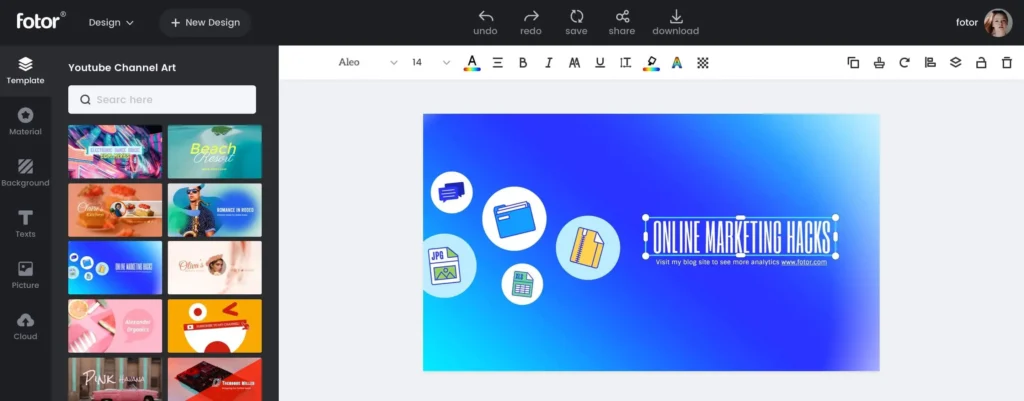
Complement your content with a clean channel layout. Your background image can also be inviting to viewers, so in addition to the theme and color options YouTube offers, upload your own background image to help you stand out from the crowd.
Make Your Best Video “Featured”

Make Your Best Video “Featured”/milaohaath
YouTube automatically displays your most recent video in the main Featured window on your channel page. This is usually ideal for users who post regularly, except for those who post less. Sometimes a much better option is to select another video to take that place.
Here’s how: Go to the Creator Studio settings and select Recommended Content under Channel in the menu on the left. Then click the Recommended Content button and choose whether to use the most recently uploaded video or select a new video or playlist.
Add Your Channel Tags
Channel Tags/milaohaath
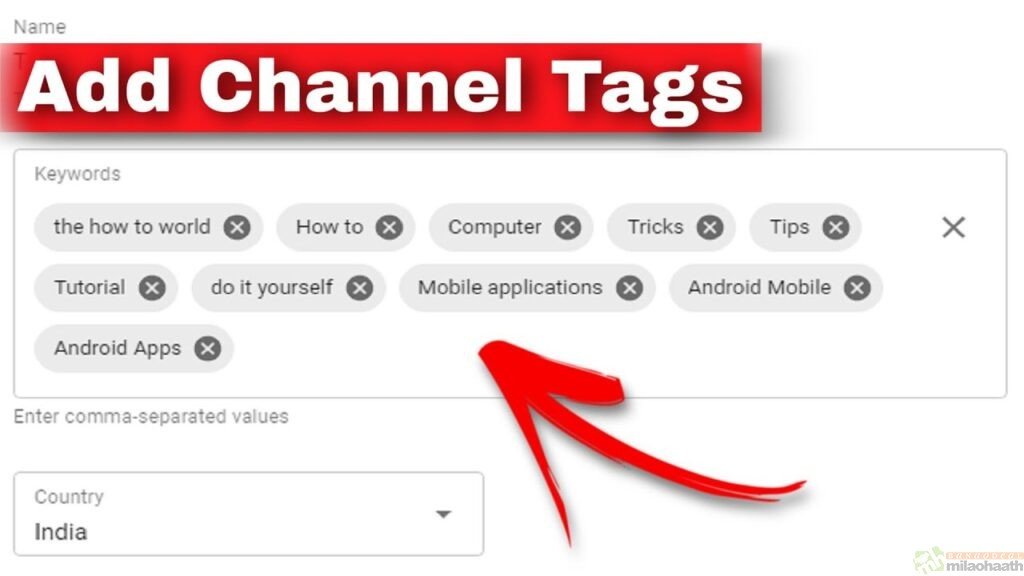
Tag away! This is often as important as tagging your videos with keywords. It will drive viewers to you and you can find this in your settings under the My Channel menu.
Concentrate on Comments
Concentrate on Comments/milaohaath
Interact with your audience. Please take the time to read the comments on your channel and those posted on your videos and be sure to respond. Remember; Pack if necessary Delete or report spam comments; Otherwise it looks like ignoring your channel.
New and Recent Activity may be a win-win situation
New and Recent Activity may be a win-win situation/milaohaath
Show what you’ve been up to on YouTube lately. If you want or prefer a video on YouTube, this action will appear in your Recent Activity as well as in the content creator’s Recent Activity field. It’s an easy way to connect YouTube and drive viewers to your page.
Users Like Playlists
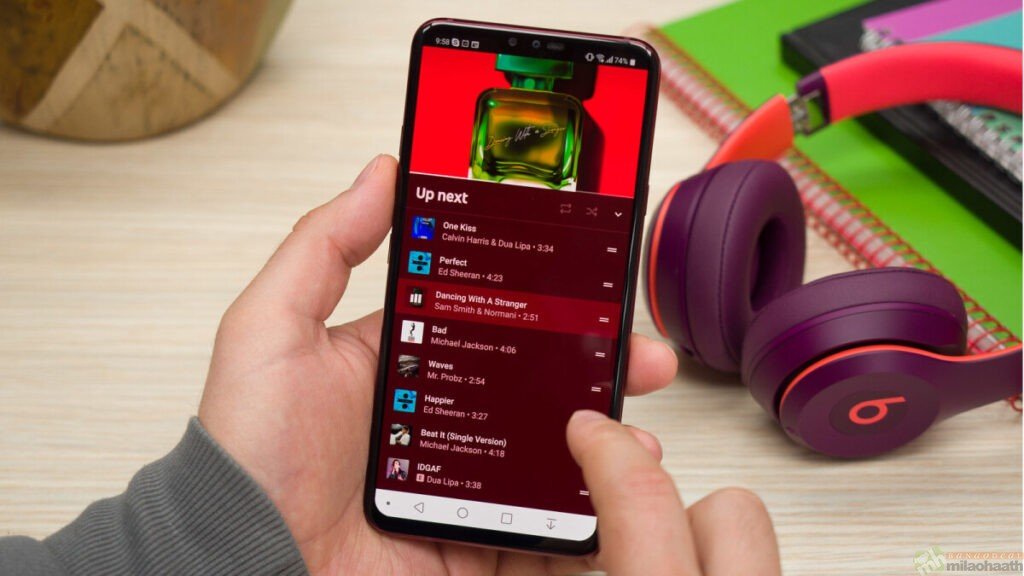
Users Like Playlists/milaohaath
Create playlists of your videos instead of having a bunch of separate videos. Start with your most popular or newest videos to keep your fans interested, then let them browse new and old material.
Take Advantage of Cross-Channel Promotion

Take Advantage of Cross-Channel Promotion/milaohaath
Cross-channel promotion is often a very effective way to drive traffic to the target destination, in this case your YouTube channel. You create blog posts on topics related to your YouTube channel and embed and link your videos in them. Blog posts (and their new and old videos) can also be shared one at a time with your blog or YouTube channel subscribers or other email list as a bi-weekly or monthly newsletter.
The blog posts (and of course your videos too) can even be promoted on your social networks.
This cyclic exchange makes your search easier and ensures you followers from different channels. If you’re short on time (considering managing a YouTube Channel), which in itself is a tall order, consider outsourcing your blog writing and social media content management to specialized writing agencies or marketplaces like outsourcing.
Then you will see here, a touch goes a long way. And the following hints work. Just try them and see how you drive more traffic to your YouTube channel.
Helpful material
Cool. I spent a long time looking for relevant content and found that your article gave me new ideas, which is very helpful for my research. I think my thesis can be completed more smoothly. Thank you.